


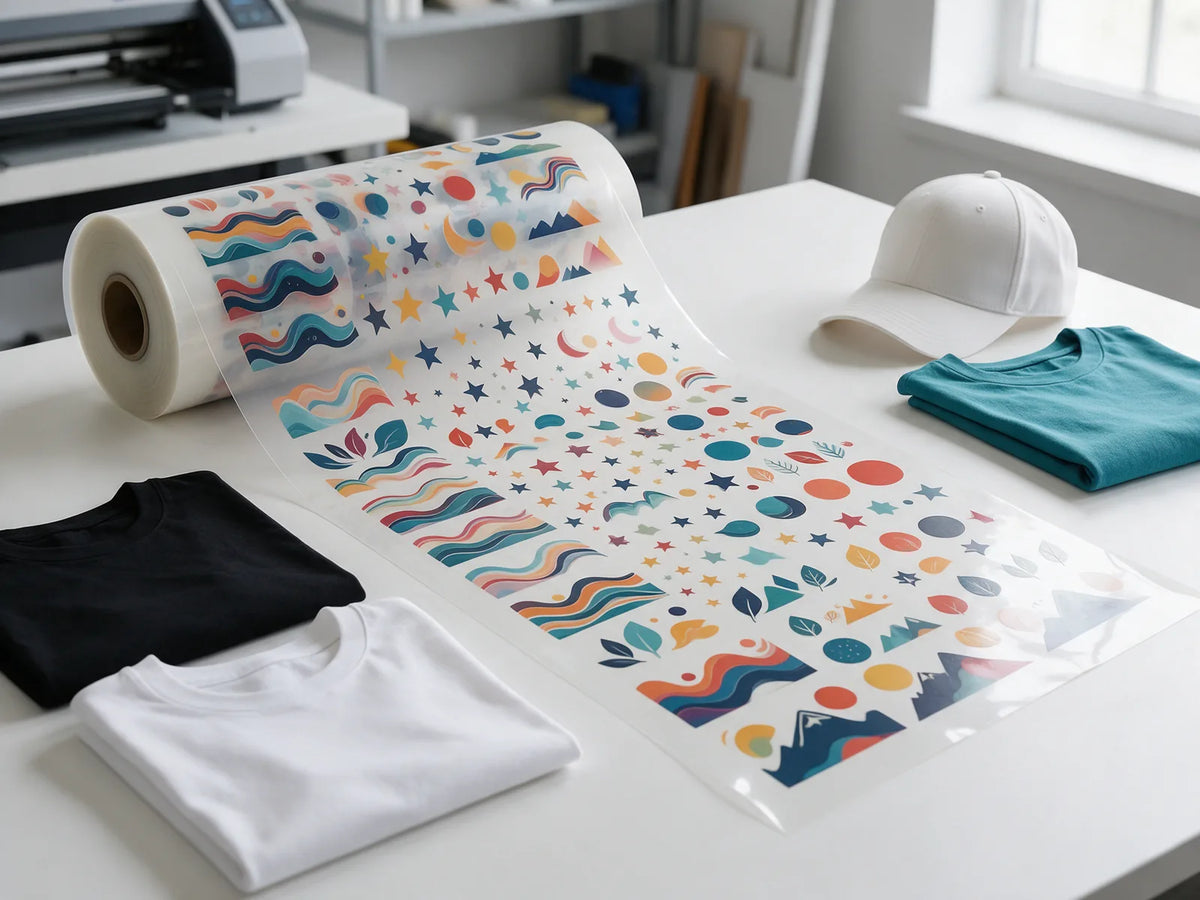
Learning how to make a gang sheet is one of the simplest ways to lower your cost per DTF transfer. Instead of ordering each design on its own, you arrange many designs on one 22-inch-wide sheet and pay for the length you use. This guide covers both ways to make a sheet, a step-by-step walkthrough, layout tips that fit more designs per foot and how to pick the right length.
What is a DTF gang sheet?
A gang sheet is one long DTF transfer with many designs printed on it together. Ours are 22 inches wide and sold by length, from 1 ft up to 40 ft. When it arrives, you cut the designs apart and press each one onto its garment.
Because you pay for film rather than per design, a sheet costs the same whether it holds two large prints or dozens of small logos. There are no setup fees and no minimums on DTF transfers, so one sheet can mix different designs, names, sizes and colors.

Gang sheet or transfers by size?
If you need one design in one size, DTF transfers by size are simpler, and they start around $0.03 per square inch. A 12-by-12-inch transfer, for example, is $4.51.
Once you have several designs or many copies, a gang sheet costs less per square inch: about $0.017 on 20 ft and 40 ft sheets. The catch is that you pay for the whole sheet, empty film included, so a gang sheet pays off when you fill it.
Two ways to make a gang sheet
Pick the route that matches how your artwork is set up today.
Design it in the free Gang Sheet Builder
The DTF Gang Sheet Builder runs right in your browser. It is free to use, no account is needed, and you can preview the whole sheet before you order. It is the easiest option when you have separate design files and want to arrange them yourself.
Upload a ready-made sheet
If you already lay out sheets in a design program, order DTF Gang Sheet Transfers and upload your finished file. Set the canvas 22 inches wide and as long as the sheet you are ordering. At 300 DPI, that width is 6,600 pixels.
Black garments: the Black Knockout builder
Black Knockout transfers print no black ink, so the garment shows through wherever your design is black. They are made only for black, charcoal and deep heather garments, and any black in the artwork must be pure #000000. These designs print on separate sheets from standard designs, so they have their own Black Knockout Gang Sheet Builder.
How to make a gang sheet, step by step
Here is the builder process from first file to finished order:
- Prepare your artwork. Save each design as a PNG with a transparent background at 300 DPI. The file prep checklist below covers the details.
- Decide each print size. Work out how wide each design should be on the garment. Our DTF size guide shows typical sizes for common placements.
- Open the builder and add your designs. Upload your files and set each design to its final print size, since a gang sheet prints at the size you place.
- Arrange the layout. Rotate, nest and repeat designs to fill the width with as little empty film as possible.
- Preview and proof. Check every name and spelling, make sure nothing overlaps, and look closely at small text and fine lines.
- Confirm the length and order. Make sure the sheet length fits your layout, then place your order.

Layout tips to fit more designs per foot
Empty film costs the same as printed film, so a tight layout lowers your cost per design.
- Trim empty space. Crop the transparent margins around each design before uploading so designs can sit closer together.
- Leave a small, even gap. Keep just enough space between designs to cut them apart cleanly with scissors.
- Rotate to fill gaps. Turn tall designs sideways or nest odd shapes together so they share the width.
- Mix big and small. Tuck left-chest logos, sleeve prints and hat designs into the gaps around large prints.
Fill the leftover space
If the last row has room to spare, add extra copies of your most popular design, spares for reorders or a small test print for checking your press. You pay for the length either way, so filling it costs nothing extra.
Keep Black Knockout designs on their own sheet
Because Black Knockout designs print on separate sheets, plan two sheets if your order has both kinds. Group the knockout artwork for black, charcoal and deep heather garments on one sheet, and everything else on a standard sheet.
Size for the garment, not the sheet
Shrinking designs to squeeze more onto a sheet backfires when the print looks too small on the shirt. As a general guide, adult full-front designs are typically 10 to 12 inches wide and left-chest logos 3 to 4 inches. Two full-front designs around 10 inches wide fit side by side across the 22-inch width.
Gang sheet size and price: choosing a length
Every sheet is 22 inches wide, so the only choice is length. Per foot, the best value is at the long end: a 1 ft sheet is $5.99, while 20 ft and 40 ft sheets work out to about $4.50 per foot. Here are a few common lengths:
| Length | Standard gang sheet | Black Knockout sheet |
|---|---|---|
| 1 ft | $5.99 | $6.59 |
| 5 ft | $24.99 | $27.49 |
| 10 ft | $49.99 | $54.99 |
| 20 ft | $89.99 | $98.99 |
| 40 ft | $179.99 | $197.99 |
Standard prices are the same in the builder and for uploaded sheets at these lengths. See every length on our DTF transfer pricing page.
- Testing a few designs? Start with a short sheet.
- Restocking regularly? Compare the cost per foot. The 20 ft and 40 ft sheets have the lowest.
- Just over a length? Tighten the layout to fit, or move up a length and fill the extra space.
Transfer orders of $75 or more ship free, and orders placed before 3 PM EST on a business day are printed the same day.
File prep basics
Clean files make a clean sheet. Before you upload, check each design against this list:
- Format: a PNG with a transparent background at 300 DPI is preferred. We also accept AI, EPS, PDF and JPG files, in RGB or CMYK.
- Width: no design can be wider than 22 inches, the width of the sheet.
- Text: keep every line at 8 pt or larger so it prints cleanly.
- Edges: remove white boxes, stray pixels and soft semi-transparent edges, since anything left in the file can print.
- Dark garments: our transfers include a white underbase, so colors stay bright.
Full details are on our DTF artwork requirements page.
Common gang sheet mistakes to avoid
- Enlarging small images. A low-resolution file stretched to a bigger size prints soft or pixelated. Start from the largest original you have.
- Leaving a white background. White prints as white, so a design saved on a white box arrives as a white box.
- Mixing sheet types. Knockout artwork placed on a standard sheet prints its black areas in black ink, so the garment will not show through. Use the Black Knockout builder for it.
- Skipping the proof. A typo repeated across a full sheet is expensive. Read every name and number before you order.
Frequently asked questions
What size is a DTF gang sheet?
Our gang sheets are 22 inches wide and sold by length, from 1 ft up to 40 ft. You choose the length that fits your layout.
Do I need an account to use the Gang Sheet Builder?
No. The builder is free, runs in your browser and needs no account. You can preview the full sheet before you order.
Can I put different designs on one gang sheet?
Yes. Mix as many designs, names and sizes as fit on the sheet, with no setup fees. The one exception is Black Knockout artwork, which prints on its own sheet.
How many designs fit on a gang sheet?
It depends on your sizes. Small designs like left-chest logos fit several to a row across the 22-inch width, while large full-front prints usually fit one or two across.
How fast will my gang sheet be printed?
Orders placed before 3 PM EST, Monday to Friday, are printed the same day. Weekends and holidays are skipped.
Build your first gang sheet
Prepare clean files, size each design for its garment and pack the sheet tight. The builder is free to try, and you can preview everything before you pay.


